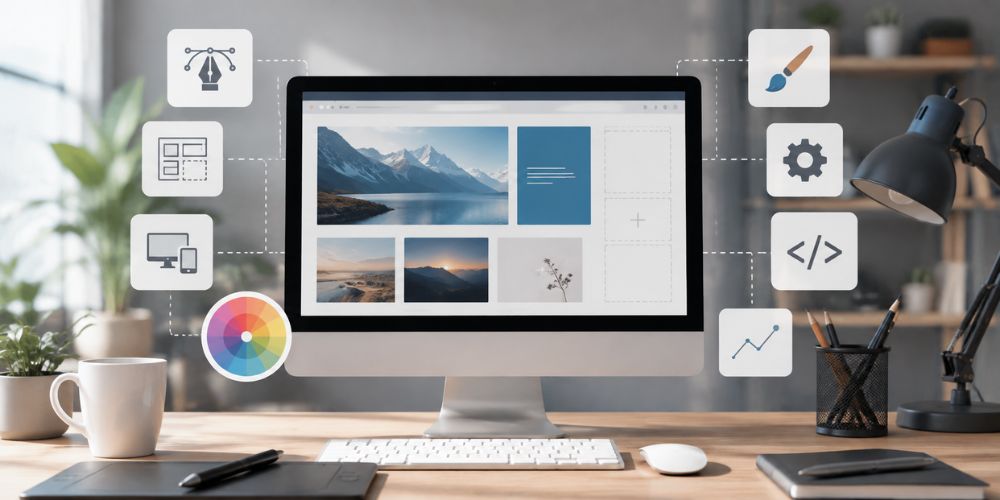
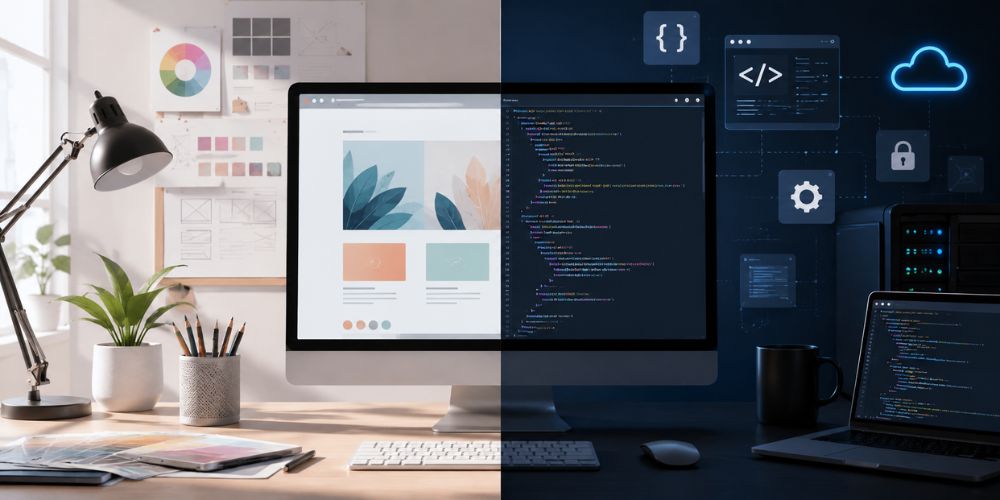
When creating a website, two terms appear repeatedly, web design and web development. Although they are closely connected, they describe different parts of the website-building process.
Web design focuses on how a website looks, feels, and guides visitors. Web development focuses on how the website works, processes information, and delivers technical features.
A successful website needs both. Attractive visuals may capture attention, but reliable development ensures that pages load quickly, forms work correctly, and visitors can complete important actions.
What is Web Design?
Web design is the creative and strategic process of planning a website’s appearance and user experience. A web designer decides how information is arranged and how users interact with the site.
Design involves much more than choosing attractive colours. A good website design should reflect the brand, communicate information clearly, build trust, and help visitors find what they need.
For example, a designer may plan:
- The layout of the homepage
- Navigation menus
- Headings and content sections
- Buttons and calls to action
- Fonts and colour combinations
- Images, icons, and illustrations
- Contact forms and product displays
- Mobile, tablet, and desktop layouts
The designer may create wireframes, visual mockups, or clickable prototypes before development begins. These provide a visual blueprint for the final website.
Key Aspects of Web Design
- User Interface (UI): Buttons, menus, forms, icons, spacing, and page layout that users see and use.
- User Experience (UX): Makes a website easy to navigate, understand, and use.
- Branding & Visual Identity: Consistent colours, fonts, images, and style that represent the company.
- Responsive Design: Website adjusts properly on mobiles, tablets, laptops, and desktops.
- Accessibility: Website should be usable for everyone, with clear headings, good colour contrast, keyboard navigation, and readable text.
What is Web Development?
Web development is the technical process of building, launching, and maintaining a website. Developers use code and web technologies to turn a design concept into a functioning online experience.
Development may include:
- Creating website pages
- Adding interactive features
- Connecting databases
- Building forms and account systems
- Integrating payment gateways
- Connecting external applications
- Improving website speed
- Protecting the website from security threats
- Testing and fixing technical errors
- Maintaining and updating the website
A developer’s work is often partly visible to users and partly performed behind the scenes.
Front-End vs. Back-End Development
Front-End Development: The visible and interactive part of a website.
- HTML: Page structure
- CSS: Styling and layout
- JavaScript: Interaction and dynamic features
- React, Vue, and Angular: Popular frameworks
- Examples: Sliders, dropdown menus, animations, search bars, filters, and forms
Back-End Development: Manages the systems working behind the website.
- Servers and databases
- User accounts
- Content management systems
- Website security
- APIs and third-party integrations
- Booking and payment systems
- Business logic
Example: When a customer submits an enquiry, the back end saves the information and sends a notification to the business.
Full-Stack Development: Involves both front-end and back-end development.
- It is useful for small projects, while larger projects may need separate specialists.
Web Design vs. Web Development: Key Differences
Focus and Purpose
Web design focuses on creating a clear and engaging experience for visitors. It controls how information looks and how users move through the website. Web development turns this design into a working website by managing pages, forms, buttons, accounts, databases, and integrations.
Artificial Intelligence (AI) can support both areas by generating design ideas, creating content, analysing user behaviour, improving personalisation, detecting errors, and automating repetitive development tasks. Both design and development are important because a beautiful but confusing website, or a functional but outdated website, can reduce trust and conversions.
Required Skills and Tools
Web designers need knowledge of visual hierarchy, typography, colour theory, branding, wireframing, prototyping, UI, UX, responsive design, and accessibility. They may use tools such as Figma and Adobe software. AI can help designers generate ideas, create layouts, suggest colour schemes, produce images, and analyse user behaviour.
Web developers need knowledge of programming, responsive coding, databases, servers, content management systems, APIs, testing, security, performance optimisation, and version-control systems such as Git. AI can assist developers by generating code, finding errors, improving website performance, automating testing, and enhancing security. Some professionals work in both areas, but design and development are separate fields.
User Experience vs. Technical Performance
Designers focus on the visitor’s experience. They make sure users can find information easily, understand the navigation, notice important buttons, trust the website, and read the content comfortably. AI can support designers by analysing user behaviour, suggesting better layouts, personalising content, and identifying usability problems.
Developers focus on technical performance, including page speed, browser compatibility, working forms, secure data handling, future growth, and search engine access. AI can help developers generate and optimise code, detect errors, automate testing, improve security, and increase website performance. Both areas are connected because a slow website affects user experience, while a confusing design can make excellent technical development ineffective.
How Web Design and Web Development Work Together
Web design and development usually work as a connected process.
1. Discovery and Planning
The team identifies the target audience, business goals, required pages, key features, and expected outcomes.
2. Information Architecture
The website’s content structure and navigation are planned. This helps determine how pages connect with one another.
3. Wireframing and Design
The designer creates basic wireframes and then develops the visual design, including colours, typography, images, components, and responsive layouts.
4. Development
The developer converts the approved design into a working website. They build the front end, configure the back end, and add the required functionality.
5. Testing
The website is tested across devices and browsers. The team checks links, forms, accessibility, performance, security, and content.
6. Launch and Maintenance
After launch, the website requires monitoring, updates, backups, security checks, content changes, and ongoing improvements.
The earlier designers and developers collaborate, the fewer problems are likely to appear later. Technical limitations can influence design decisions, while design choices can affect development time and cost.
Which Service Does Your Business Need?
Hire a Web Designer If:
- Your website looks outdated
- Your branding is inconsistent
- Visitors struggle to navigate the site
- You need a new layout or visual identity
- You want to improve the user journey
- You need wireframes or a prototype before development
Hire a Web Developer If:
- Your website has technical errors
- Pages load slowly
- You need a booking, payment, or membership system
- You want to connect an external tool or API
- Your website is not working properly on mobile devices
- You need a platform migration, security upgrade, or custom feature
Hire Both If:
- You are building a new website from the beginning
- You are launching an e-commerce business
- Your website is central to sales or lead generation
- You need a custom design and advanced functionality
- You want the website to be scalable and professionally maintained
For many businesses, the most practical option is a web agency or team that offers both design and development. This creates better communication and reduces the risk of receiving a design that is difficult or expensive to build.
Does Web Design or Web Development Affect SEO?
Design affects readability, navigation, engagement, mobile usability, and the clarity of important content. Development affects page speed, technical structure, crawlability, accessibility, security, and the way search engines interpret the website.
SEO should therefore be considered during planning, design, content creation, and development, not added only after the website is finished.
Is Your Website Experiencing Technical Problems?
Is your website loading slowly, showing errors, or not working properly on mobile devices? Are forms, links, payments, or other features failing? Our website development services can identify the problem and provide reliable solutions.
We can help with:
- Website errors and broken links
- Slow page loading
- Mobile responsiveness issues
- Forms, booking, and payment problems
- Security and performance issues
- Database and server errors
- Website updates and maintenance
Contact us today for professional website support and keep your online business running smoothly.
Final Thoughts
Web design and web development are different, but neither is more important than the other. Web design shapes how visitors experience your brand. Web development makes the website functional, secure, fast, and dependable. When the two work together, the result is a website that not only looks professional but also supports business goals.
Before hiring a professional, identify your main challenge. Do you need a stronger visual identity and easier navigation? Start with design. Do you need new functionality or improved performance? Development may be the priority. If you are creating a new business website, e-commerce store, or lead-generation platform, investing in both is usually the strongest approach.
A successful website is not simply attractive or technically advanced. It is clear, useful, reliable, accessible, and designed to help visitors take action.